02-USB camera preview
1. View video device
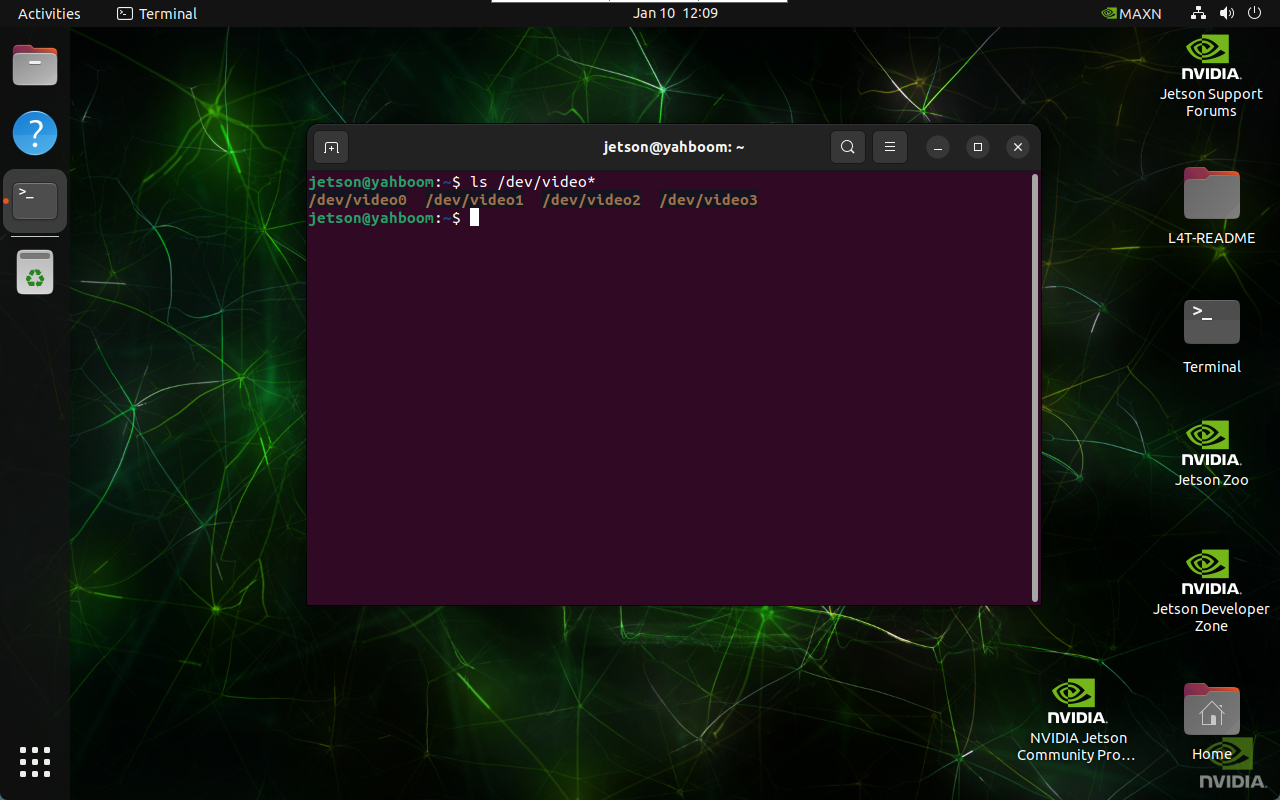
ls /dev/video*
The result of the picture is the result of connecting two CSI cameras and one USB camera: generally, a CSI camera displays one video device, and a USB camera displays two video devices. The USB camera selects the newly added and smaller /dev/video2 call (connecting the USB camera system adds /dev/video2 and /dev/video3 device numbers)
2. GUVCView
GUVCView is an open source software for Linux systems, used to capture and record videos and images, mainly for Webcam cameras.
2.1, GUVCView installation
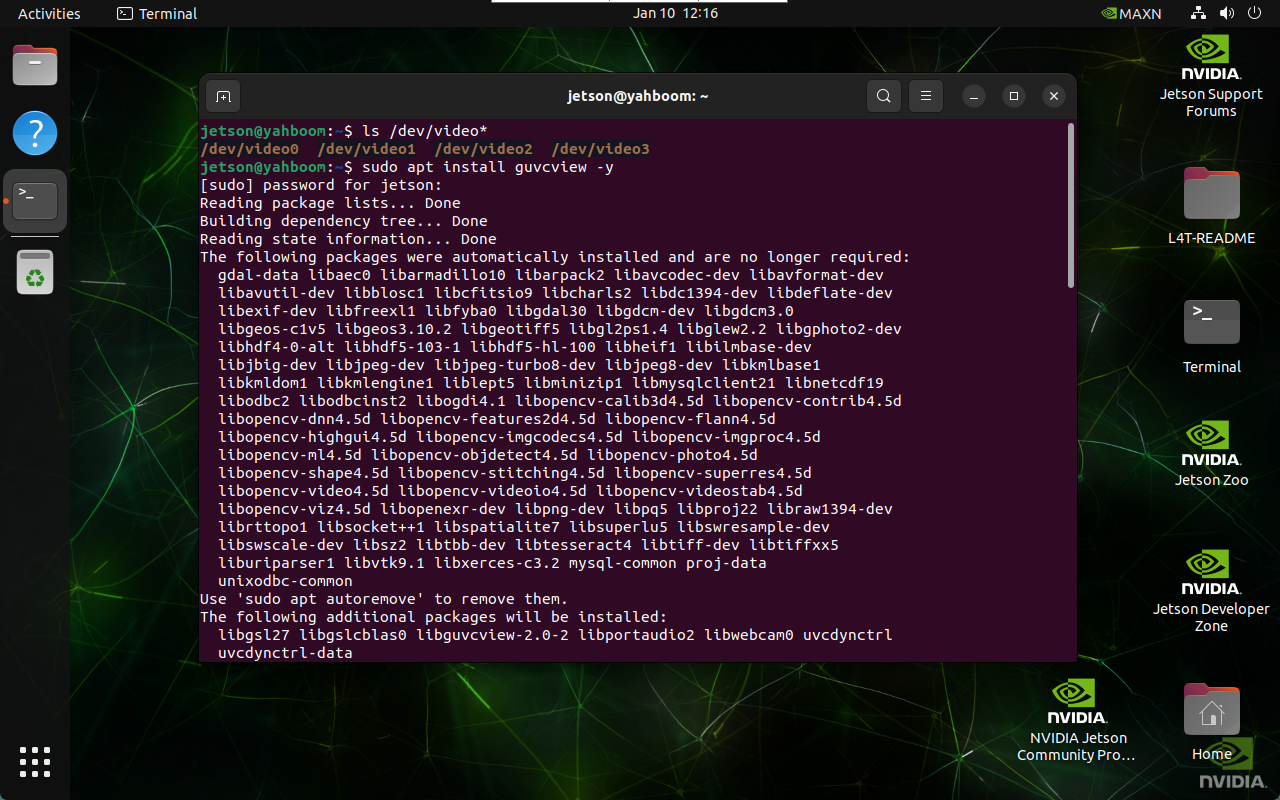
sudo apt update
sudo apt install guvcview -y
2.2, GUVCView use
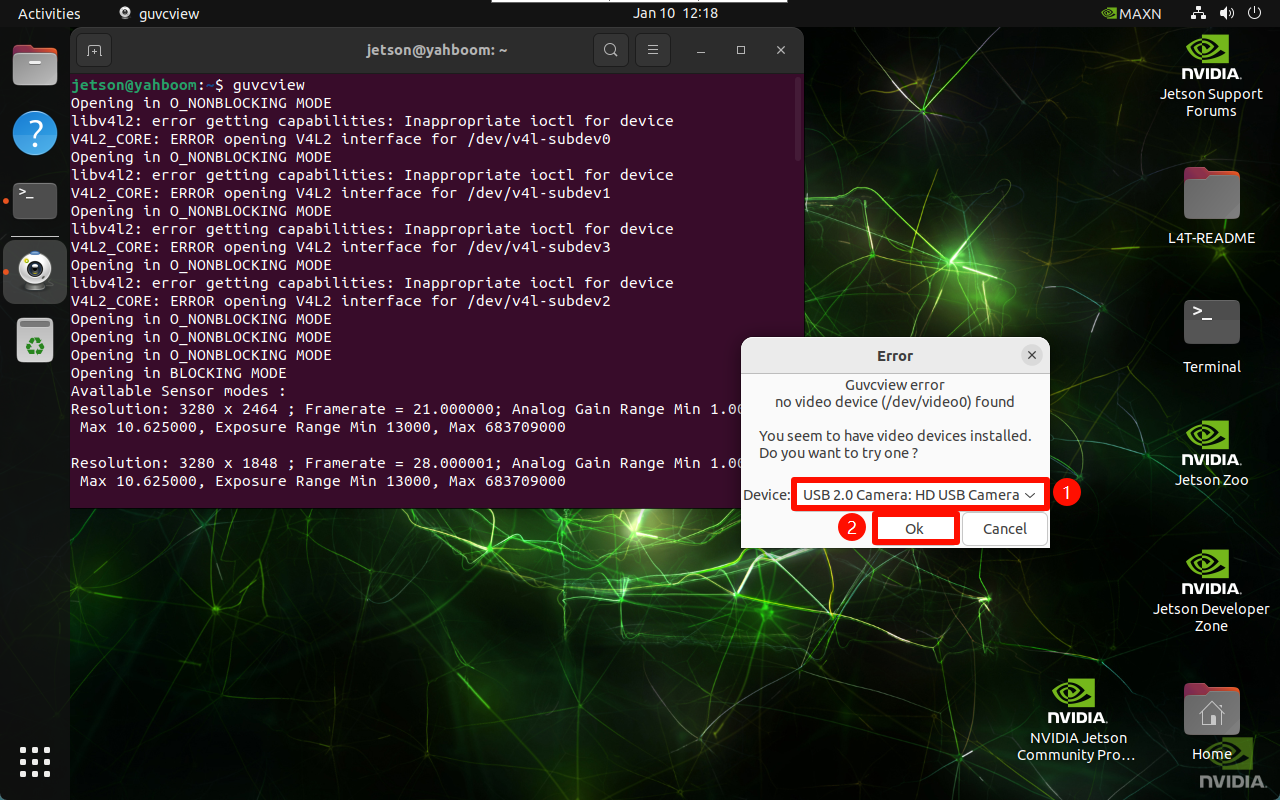
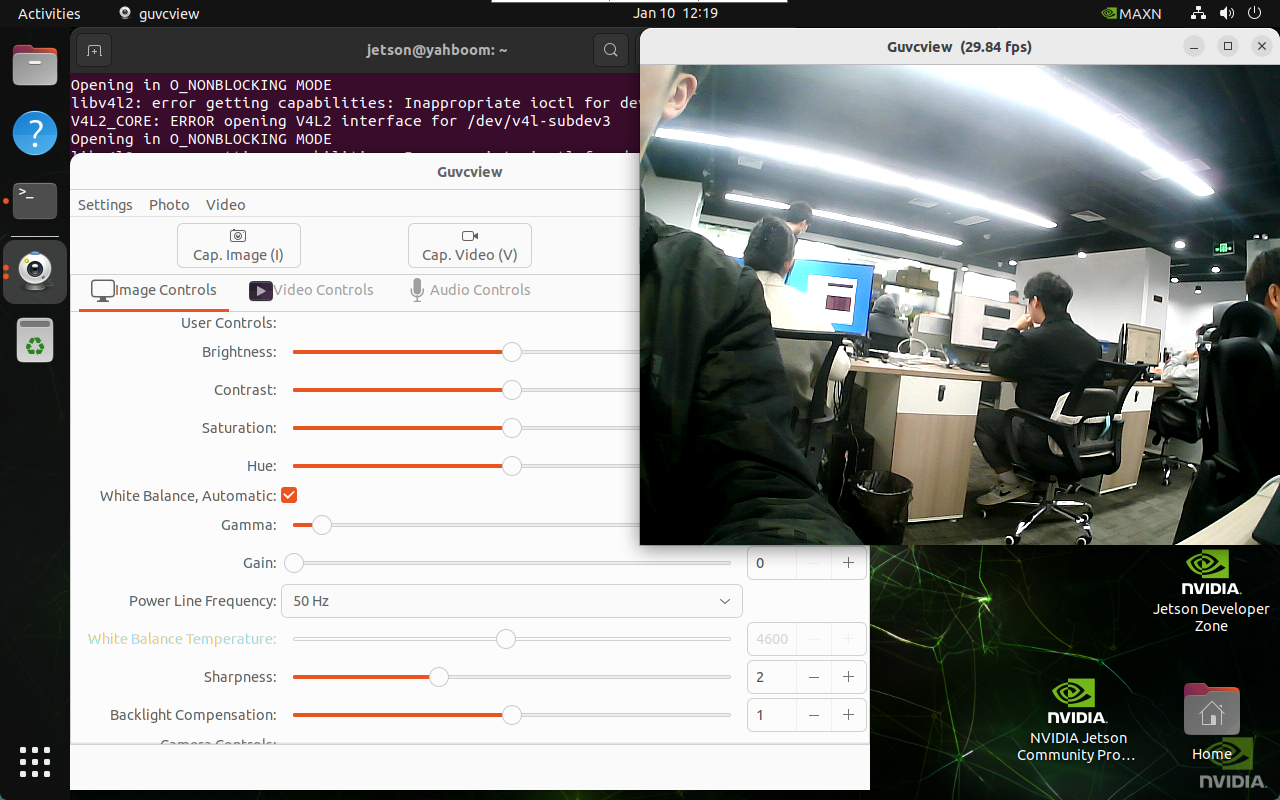
Enter the application menu bar and click the guvcview icon or enter the startup command in the terminal: Select USB camera, CSI camera has no preview screen
guvcview
3. VLC
VLC media player is a free and open source multimedia player that supports multiple audio and video formats as well as DVD, audio CD, VCD and various streaming protocols.
3.1. VLC installation
sudo apt update
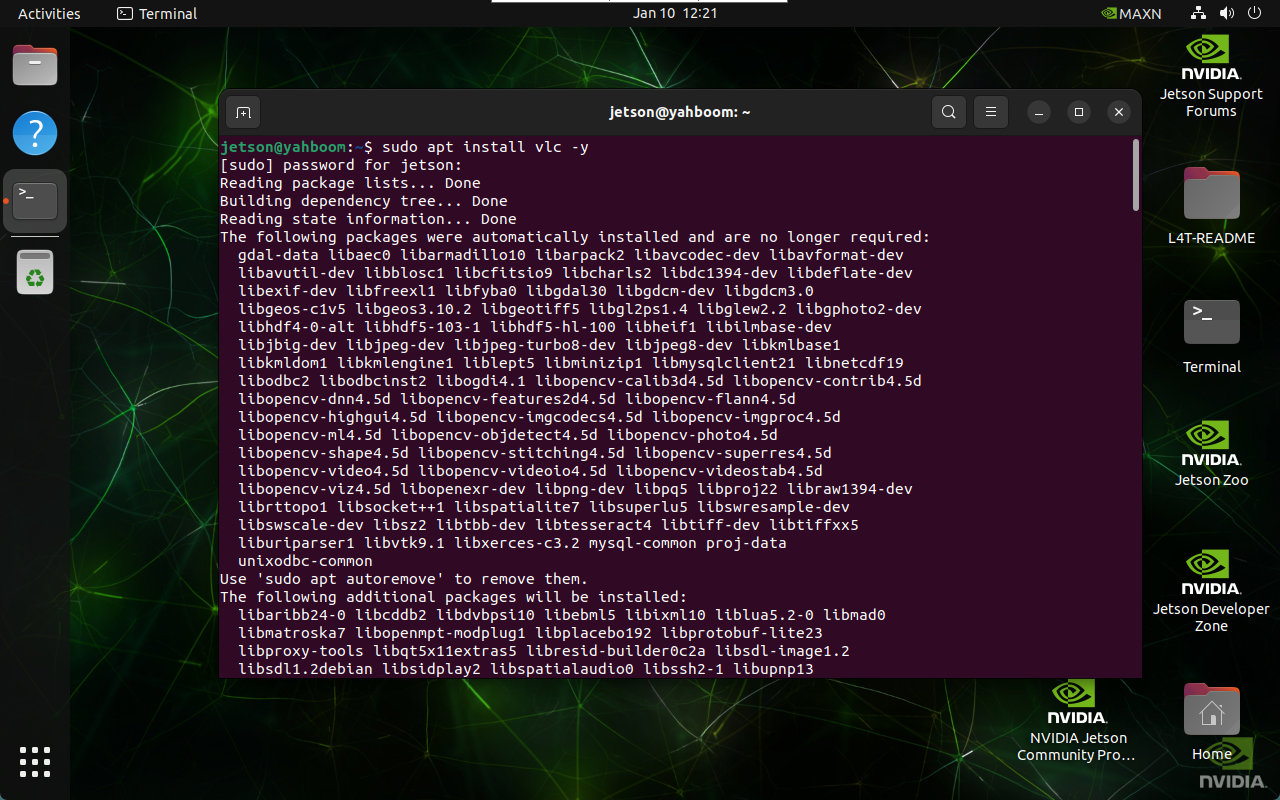
sudo apt install vlc -y
3.2. VLC usage
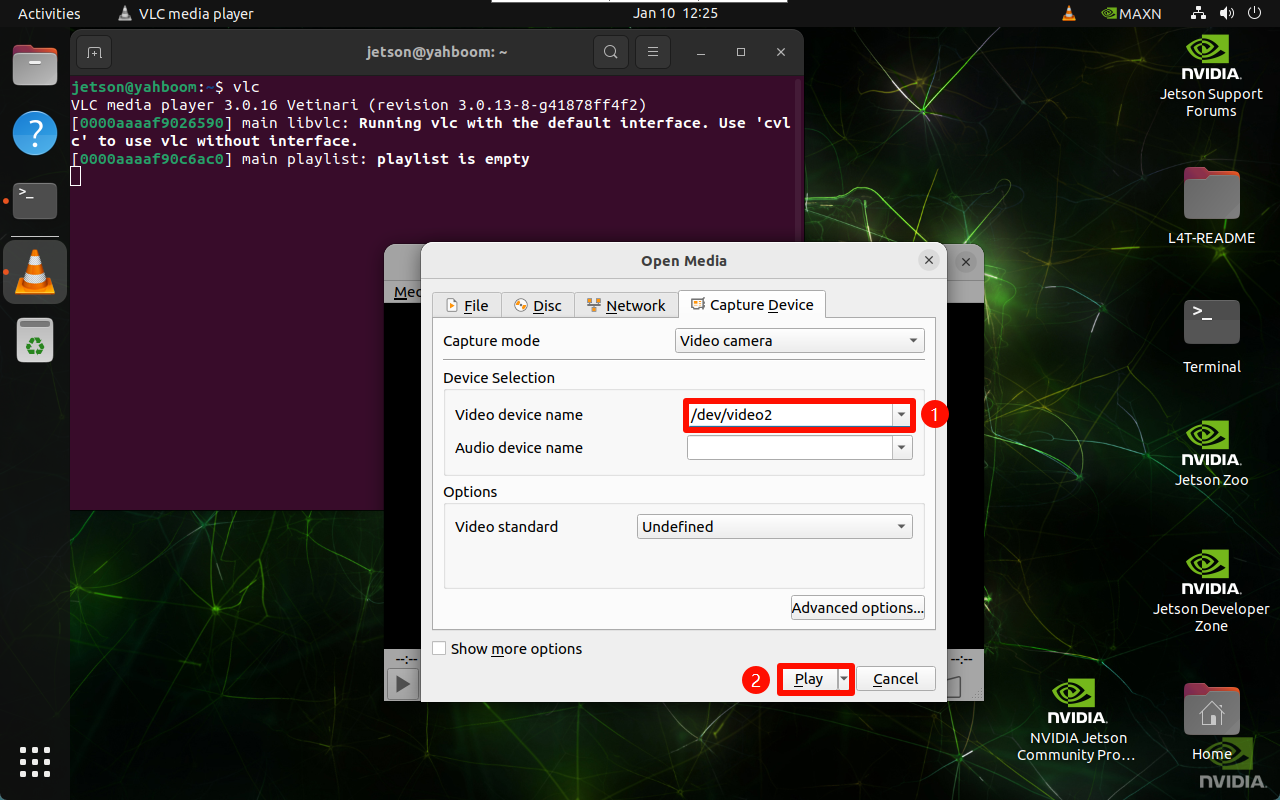
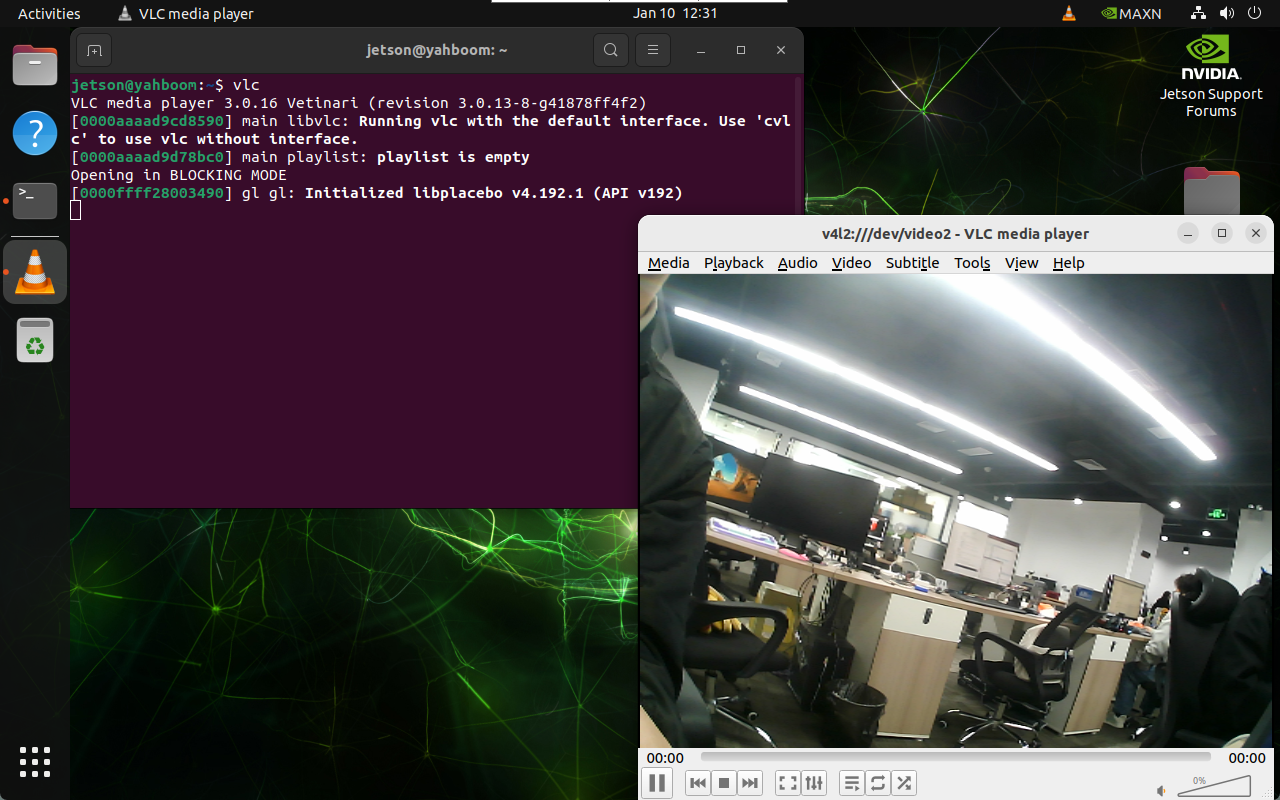
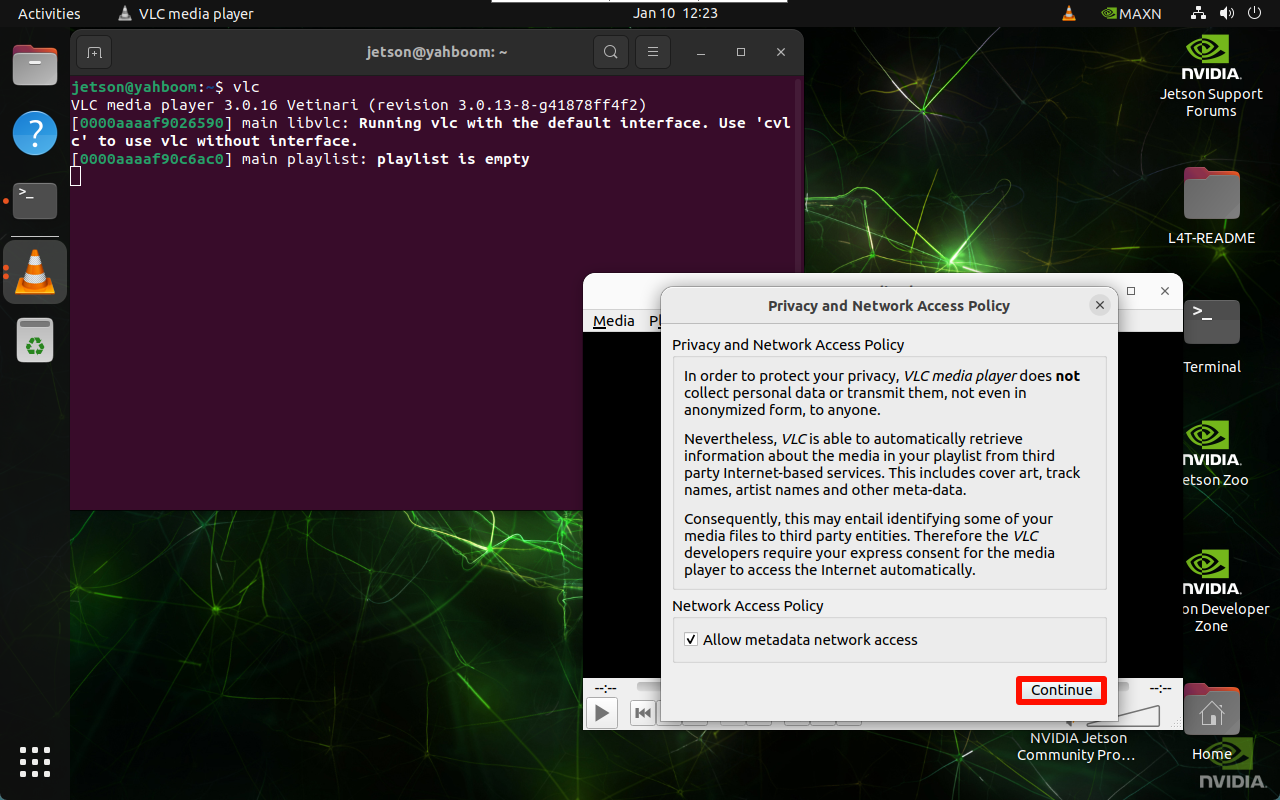
Enter the application menu bar and click VLC media player icon or enter the start command in the terminal: Select USB camera, CSI camera has no preview screen
vlc
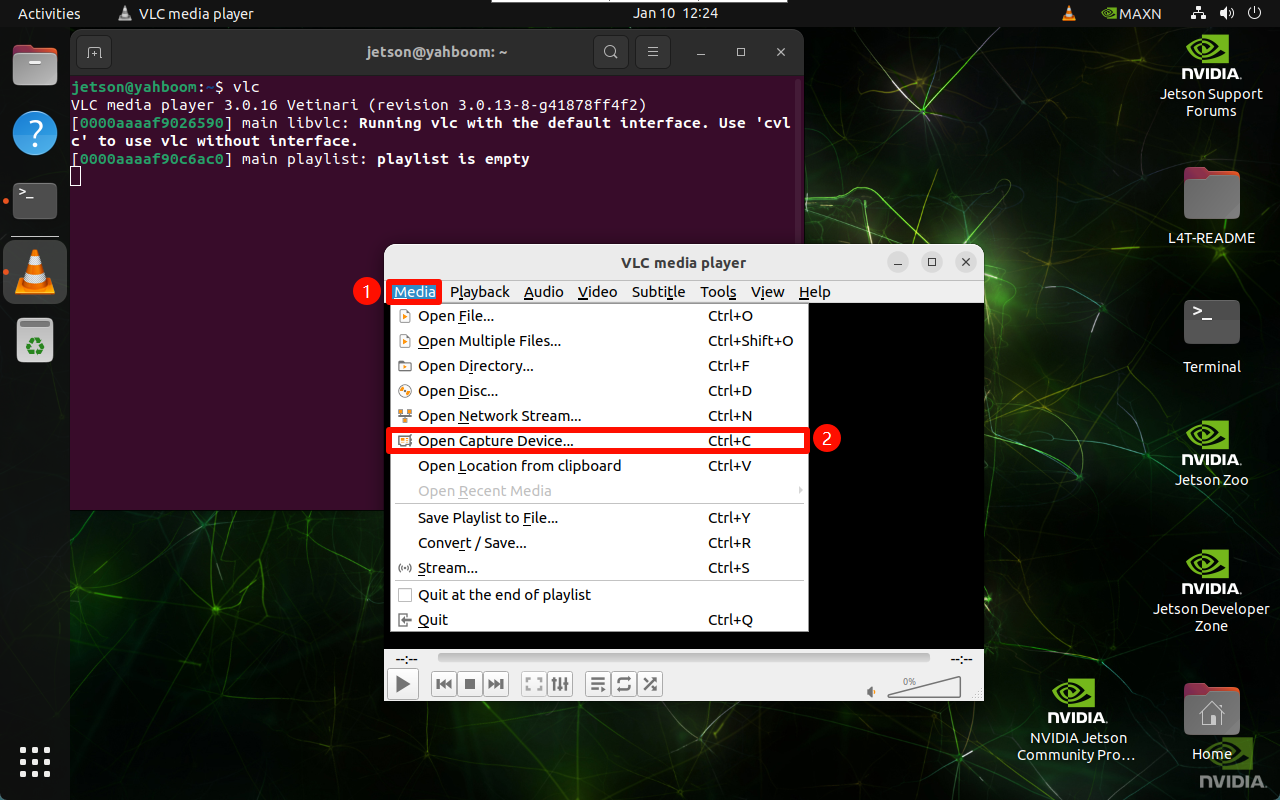
Select the device number corresponding to the USB camera: